

How to Make Your Roofing Website SEO-Friendly
A homeowner searches for roof leak repair, lands on your website, and has three questions. Do you fix this kind of leak? Do you work in my town? How do I get an estimate? Your website should answer all three before that homeowner has to open the menu.
To make a roofing website SEO-friendly, check that Google can index your important pages, give each priority service a clear home, show examples of your work, and test the path from landing page to estimate request on a phone.
If you only have time to work on one page this week, pick the service you want more calls for in a town your crew already serves. I’ll use roof leak repair as the example throughout this guide.
1. Check if Google can find and index your roof repair page
Start with your homepage, your main roof repair page, and one service area page. Paste each address into URL Inspection in Google Search Console. Read the indexed result first. If you’ve recently fixed the page or changed its settings, use Test Live URL to check the version Google can access now. Google’s URL Inspection guide
| What you find | What to check next |
|---|---|
| The live page is blocked by a noindex directive. | If you want this public page in Search, check its WordPress SEO settings and whether a staging setting carried over. Remove the directive from the affected page, then test again. |
| The live page is blocked by robots.txt. | Ask whoever manages the site to check whether the rule is intentionally blocking that page. Google needs access to crawl it. |
| Google picked a different canonical URL. | Compare the two URLs. If both pages cover the same service and area, choose the one you want people to land on and check whether your internal links and sitemap point to it. |
| The page is accessible but currently unindexed. | Check that the Services menu or a relevant page links to it, that it appears in your XML sitemap, and that its content gives homeowners a distinct reason to visit. |
After a fix, submit your XML sitemap if you haven’t already and request indexing for the priority URL once it passes a live check. Use the Page indexing report to spot a pattern across similar pages. For a public page with a stray noindex directive, Google also needs to be able to crawl the URL to read the updated instructions. Google’s noindex documentation
2. Give each roofing search the right page
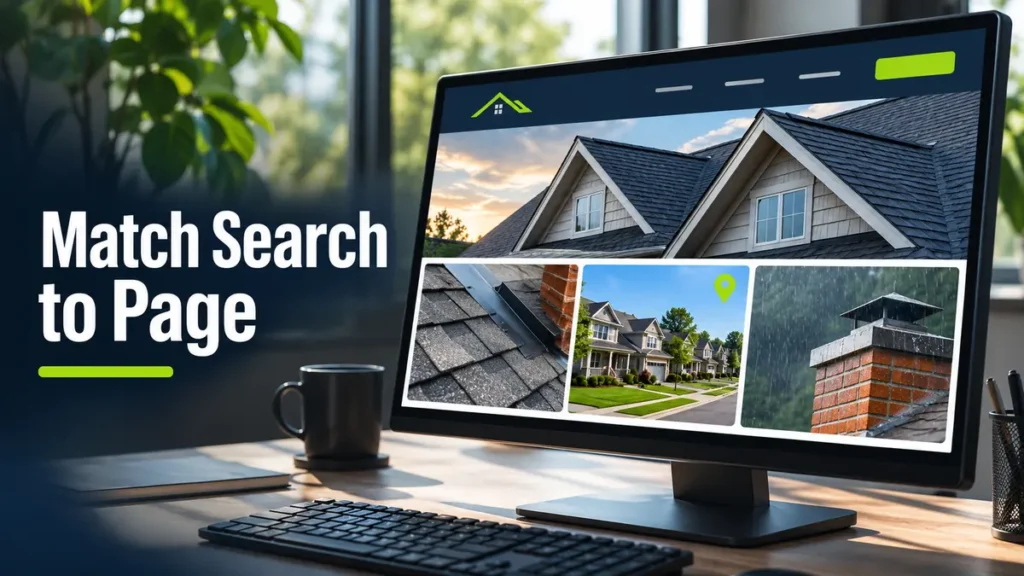
A homeowner asking why water appears near a chimney needs a different answer from someone looking for a roofer in their town. Before you write a new page, decide what the visitor needs to learn or do there.
| Example search | What the page should do |
|---|---|
| Roof leak repair | Explain the types of leaks you handle, what the inspection covers, and how to request an estimate. |
| Roof leak repair in Richardson, TX | Confirm your crew serves Richardson, list the services available there, and share a relevant local job example if you have one. |
| Why does my roof leak near the chimney when it rains? | Explain what a roofer would check, such as chimney flashing or the surrounding shingles, and when an inspection makes sense. |
Start with a service page for each distinct job you actually want. Roof leak repair and roof replacement deserve separate pages if customers need different information to choose between the two services. Create a city page when you can add useful details about working there, such as completed jobs, coverage boundaries, or services available in that town. If Richardson is your main market and your leak repair page already answers the Richardson search well, keep that repair page as the destination. For nearby towns where the only new detail is the town name, list them on your service area hub. Google’s guidance on doorway abuse
Give the pages descriptive internal links. For example, link the chimney leak guide to roof leak repair services, then help readers find your service areas from the repair page. I used separate navigation for services, coverage, and guides on the Texas Roof Leak Fix website project.
3. Write a roof repair page that answers questions before the call
Open the page for the job you picked. Read only the title and the first screen. Could a homeowner tell what your crew repairs, where you work, and how to reach you? Replace a vague opening such as “Quality Roofing Solutions” with the specific work the page covers.
For a roofer that focuses on Richardson, the title tag could be Roof Leak Repair in Richardson, TX | [Company Name] and the main heading could be Roof Leak Repair in Richardson, TX. Give the page its own meta description that explains what you do and what the visitor can do next. Google can generate a different title link from your page content, so make the visible main heading clear too. Google’s guide to title links
Use the rest of the page to answer questions your crew hears:
- Do you handle my kind of leak? Name the issues you actually assess, such as leaks around chimney flashing, pipe boots, roof valleys, or damaged shingles.
- What happens during the inspection? Explain what the crew checks, what photos or findings the homeowner receives, and how you explain repair options before they decide.
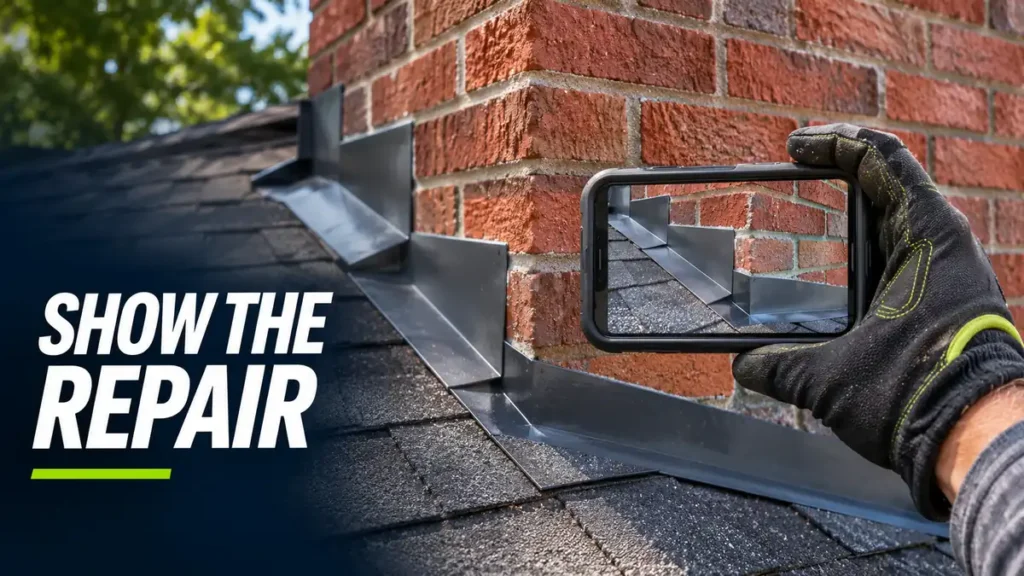
- Have you handled a job like mine? Include a completed job photo with permission and a caption explaining what the crew found and fixed. If you have a project gallery, link to the relevant job and keep one useful example directly on the service page.
- How do I ask for help? Put a specific next step near the top and again where it fits after the inspection details. Use wording such as Request a Roof Leak Inspection if that is what the homeowner is requesting.
Give informative job photos descriptive alt text. “New step flashing along a brick chimney on an asphalt shingle roof” describes a photo a homeowner can understand without seeing it. Match the text to what your photo actually shows. Google’s image SEO guidance
4. Test the estimate request on a real phone
Open your roof repair page on a phone with Wi-Fi off. Start on the page itself, the way someone would land on it from Google. Try to find the call button, check coverage, and send a test estimate request.
- Tap the phone number. Check that it opens the dialer with the right number. If you offer emergency service, say when someone can answer or respond.
- Submit the estimate form. Ask for what you need to follow up, such as a name, one contact method, a ZIP code, and a short description of the problem. Try it with the keyboard open. Check the confirmation and verify that the request reaches the inbox your team uses.
- Check the page on mobile in PageSpeed Insights. Test the actual repair URL and the homepage. If the hero photo is a large phone upload, resize it for the area it fills and serve a compressed WebP. Set image dimensions so the page can reserve space for the photos. Use lazy loading for below-the-fold gallery images and let the main photo load normally.
PageSpeed Insights uses lab data and shows real-user data when enough is available. Use the report to spot issues, then repeat the phone test to see whether the changes help a visitor reach the form. About PageSpeed Insights
5. Make your website and Google Business Profile agree
Click the website link on your Google Business Profile as if you found the company on Google Maps. It should land on a working page that represents the business or branch in that listing. Check your business name, main phone number, hours, and the areas you serve on both sides. Make the same updates in your main business listings when those details change.
If your crew visits customers and you have no business location that customers can visit, follow Google’s service-area business rules. Hide the address on the profile when customers aren’t served there. On your website, explain the towns your crew covers and how people can reach you. Google Business Profile guidelines
If your site uses local business schema, ask your developer to check that it reflects the business details people can read on the site. Schema.org provides a RoofingContractor subtype. The customer still needs the service area and phone number in readable text where they can find them. Google’s local business structured data guide
6. Track the searches and roofing inquiries that matter
Write down the date you update your roof repair page. In Google Search Console, open the Performance report, filter by the page URL, and review the Queries tab. Are impressions and clicks coming from the kinds of repair searches your crew can handle? Save the baseline and compare with a later period of similar length. Keep storm activity and seasonal demand in mind when interpreting a change. Google’s guide to Search Console performance

Keep a second record for actual inquiries. Your office can start with a simple log of the date, roofing service requested, ZIP code, how the customer found you if known, and whether you booked an inspection. If you use analytics, track successful form submissions separately from clicks on the phone number. A tap can open the dialer even when the person never calls.
| If you see… | Review this first |
|---|---|
| The page gets few impressions for relevant repairs. | Recheck indexing, which URL Google is showing, and whether the page clearly describes the leak work you offer. |
| The page gets relevant impressions but few clicks. | Check whether the search result and title match what a homeowner expects to find. Look at the actual queries before rewriting. |
| Clicks rise and estimate requests stay flat. | Test the call link and form again, then check whether the page makes service coverage and the next step clear. |
| People call about jobs or ZIP codes you don’t serve. | Make your coverage and the kinds of repairs you accept more specific on the page. |
Start with one service page. Check that Google can index it, add a useful example from a recent roofing job, and send yourself a test estimate request from your phone. Those three checks give you a starting point for the rest of the site.
If you’d like me to review your roofing website, send me the URL, the towns your crew serves, and the work you want more of. I’ll tell you which pages I’d improve first.